Amazon Fire TV Stick HD (Newest Gen) – Smart Streaming Device with Alexa Voice Remote
0
Shipping is calculated at checkout
Description
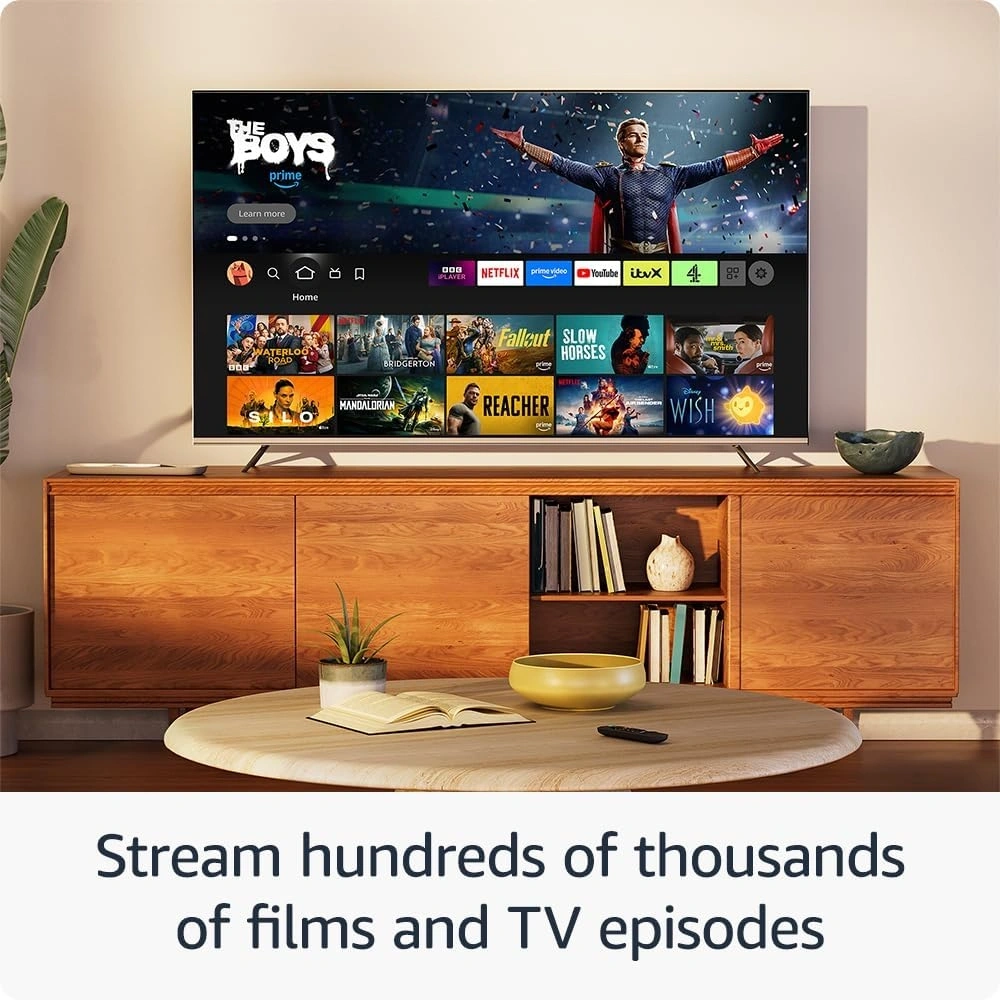
📡 HD Streaming Entertainment – Enjoy smooth HD streaming for movies, TV shows, and live content from popular apps.
📱 Smart TV Upgrade – Instantly convert any TV with HDMI into a powerful smart entertainment hub.
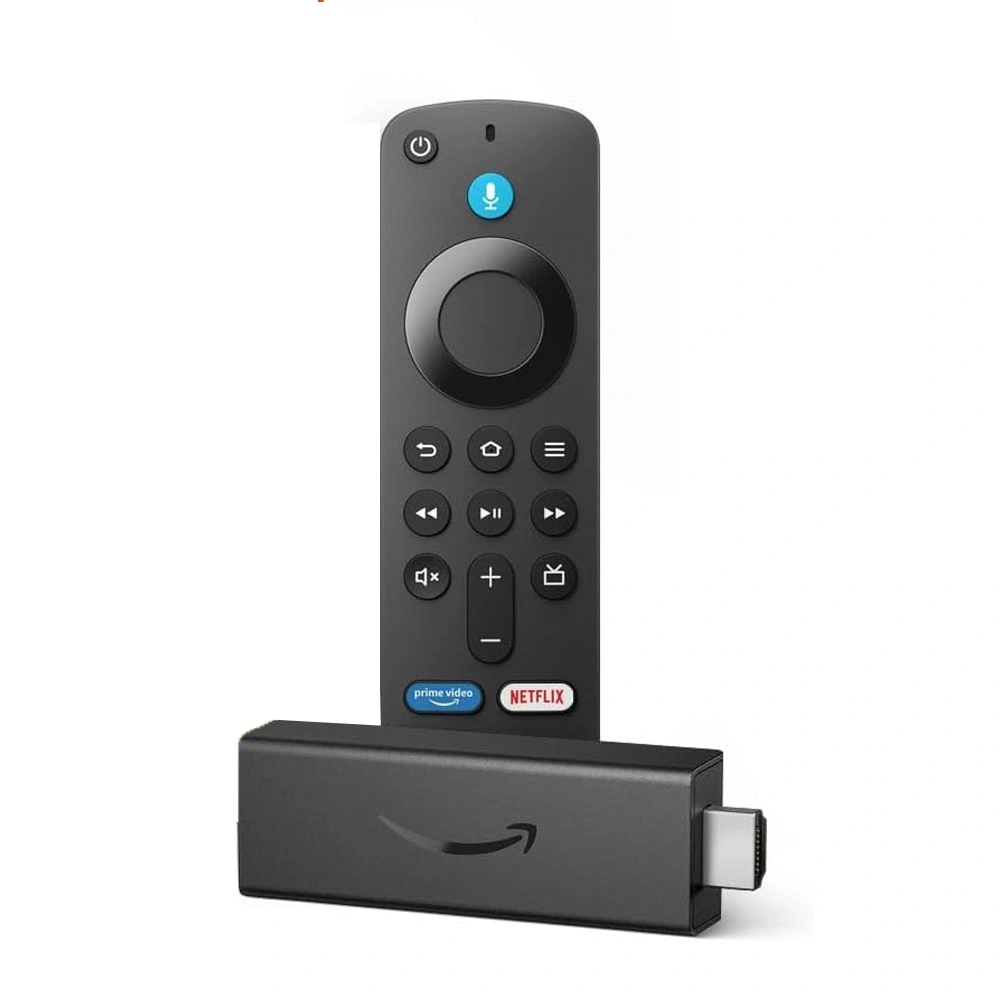
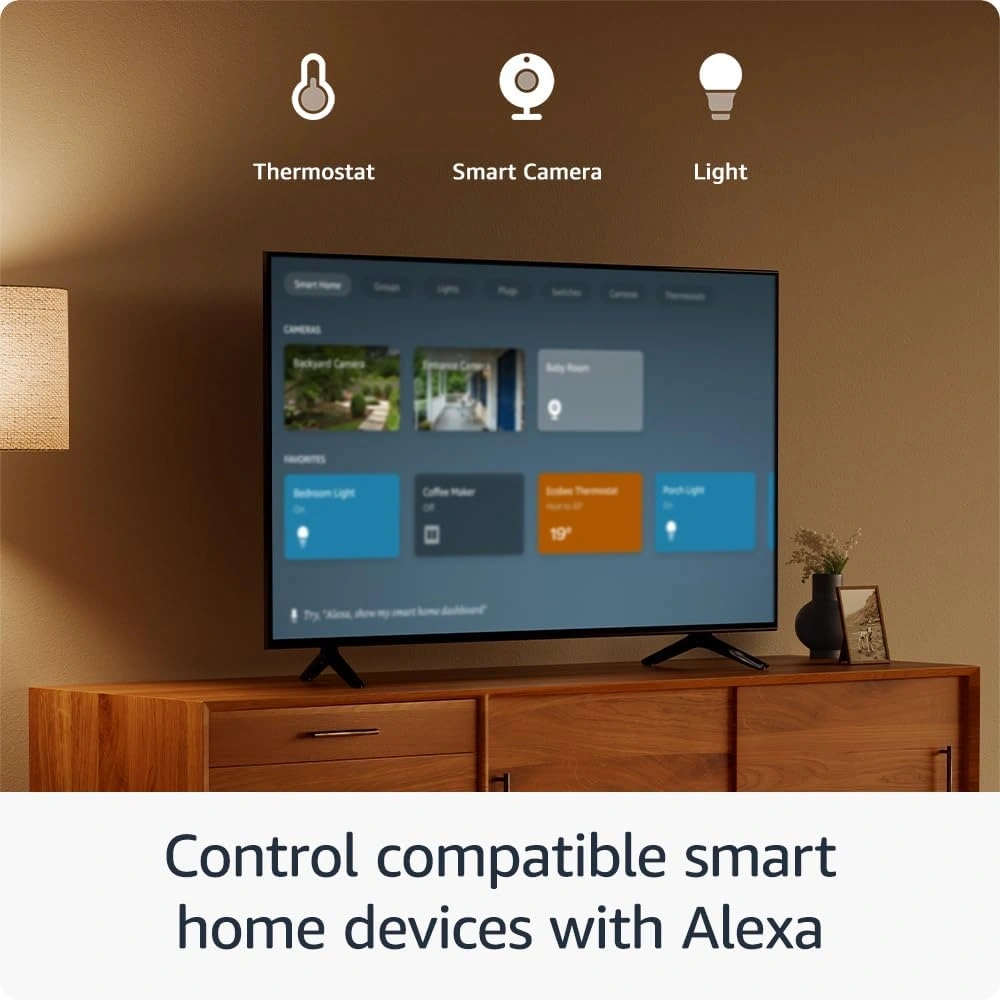
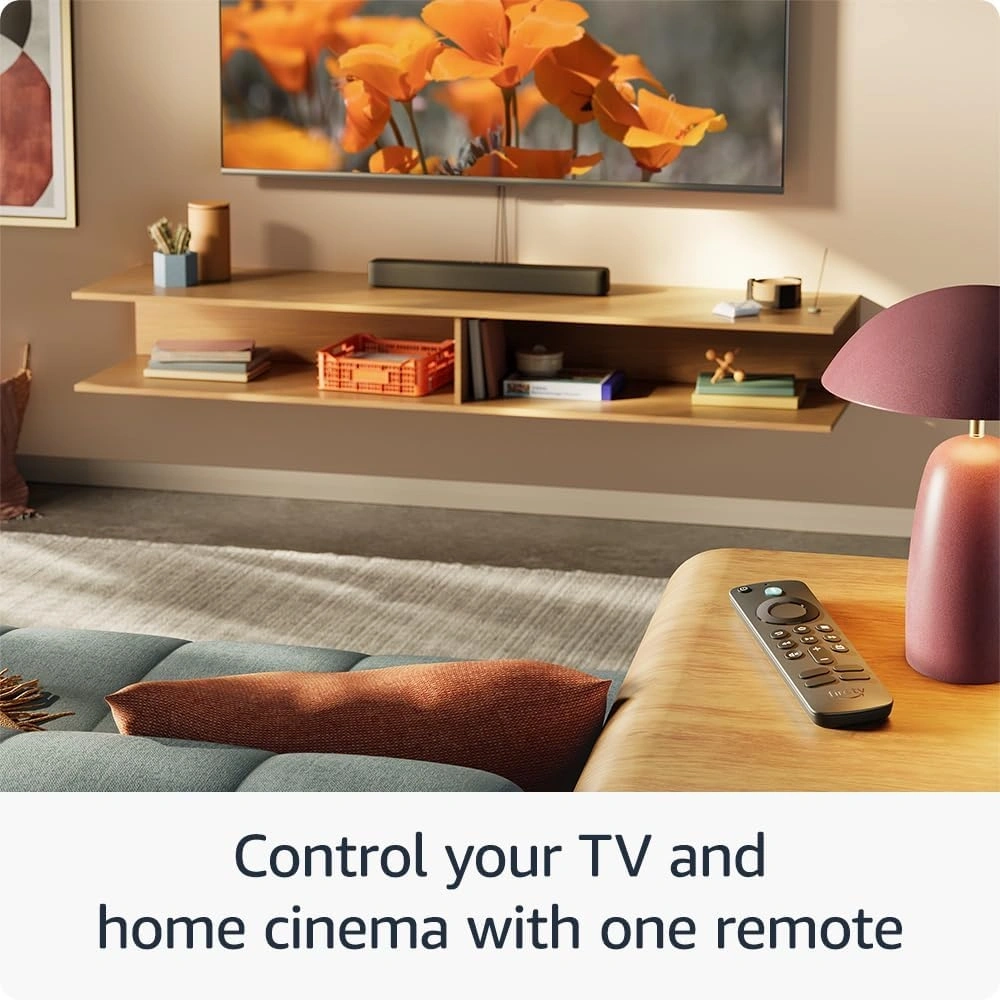
🎤 Alexa Voice Remote – Use voice commands to search shows, control playback, and launch apps quickly.
🎮 Smooth Performance – Fast processor ensures responsive navigation, quick app loading, and seamless streaming.
📡 Wi-Fi Connectivity – Stable wireless connection for uninterrupted streaming, browsing, and online entertainment.
🔊 Immersive Audio Support – Enjoy clear digital sound for movies, music, and TV shows at home.
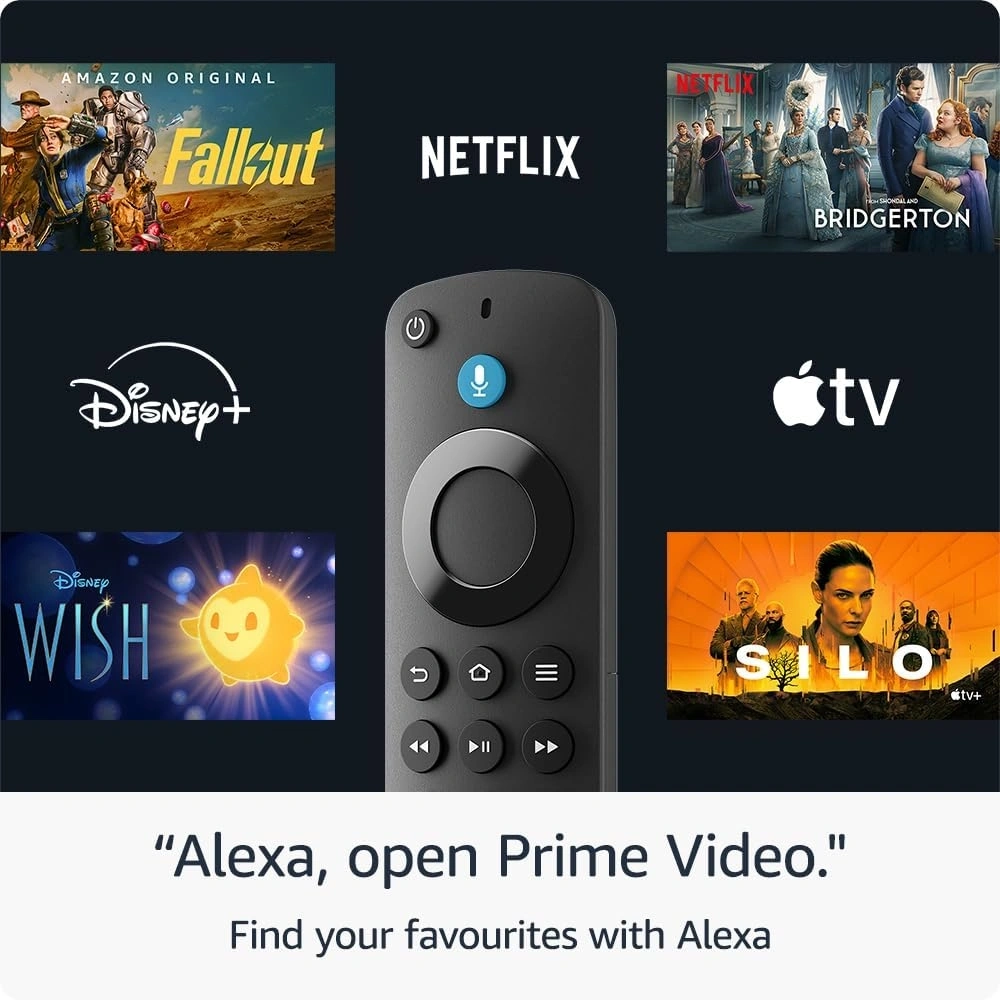
📱 Wide App Compatibility – Access popular streaming apps like Netflix, Prime Video, YouTube, and more.
Brand: PREMIUM BANDS
SKU: TVSTICK-HD
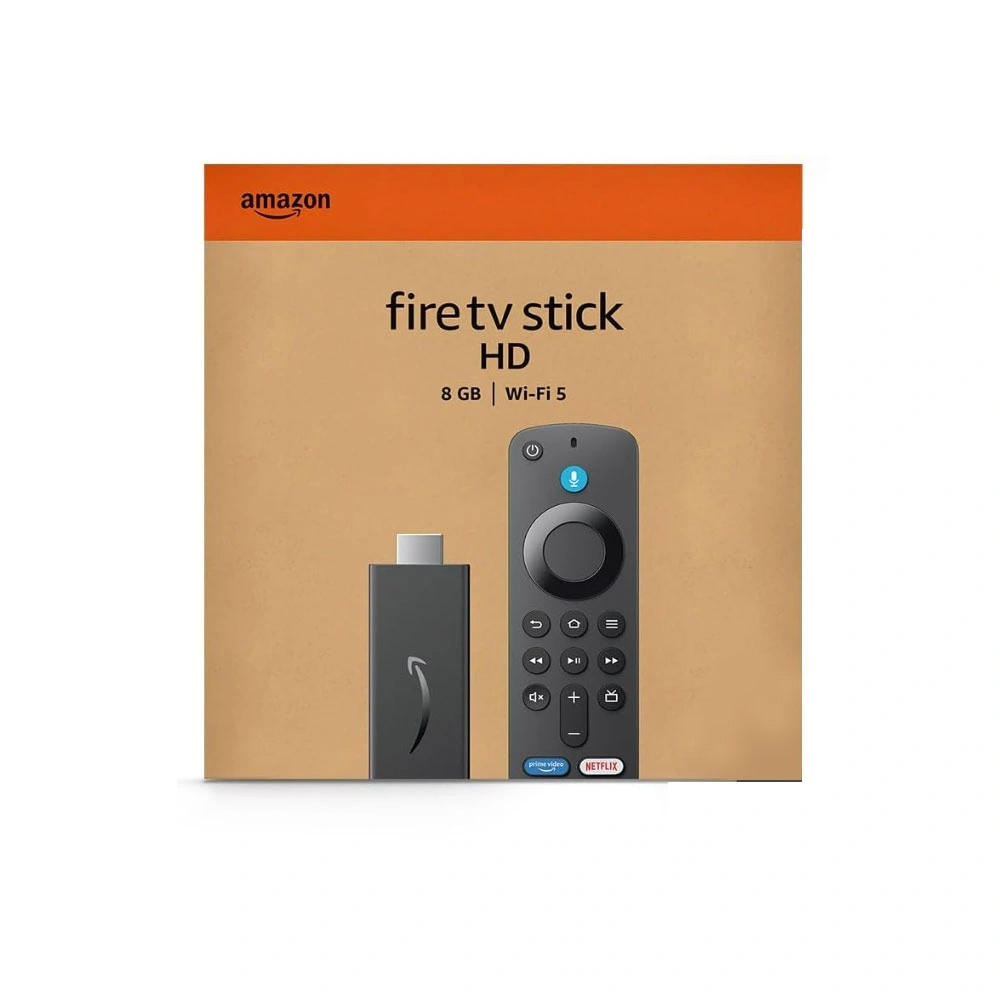
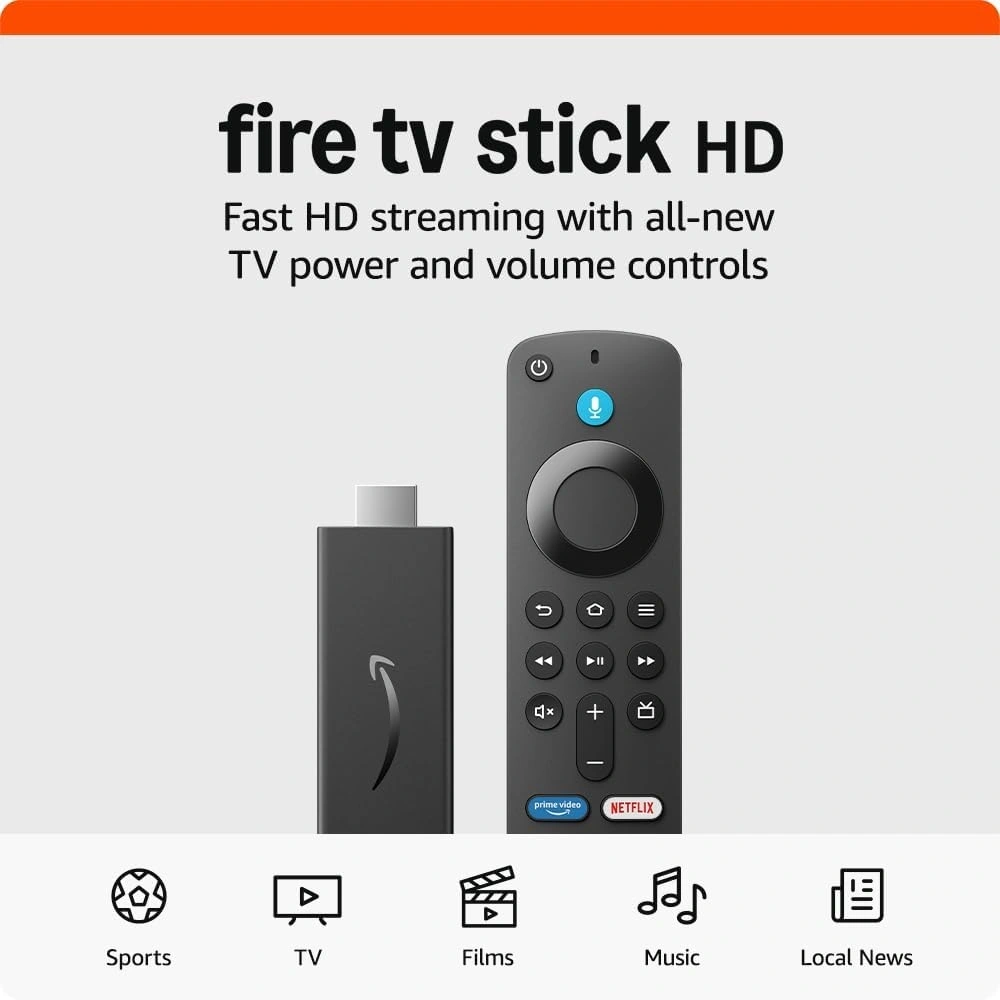
The Amazon Fire TV Stick HD (Newest Generation) is an easy and affordable way to turn any TV into a smart entertainment system. Simply plug the device into your TV’s HDMI port and start streaming your favorite movies, TV shows, and videos in smooth HD quality. Powered by a fast processor and stable Wi-Fi connectivity, it delivers responsive navigation and seamless streaming from popular apps like Netflix, Prime Video, YouTube, and more. The included Alexa Voice Remote allows you to search content, control playback, and launch apps using simple voice commands. Compact and easy to set up, this streaming device is perfect for upgrading older TVs or enhancing your home entertainment experience with smart features.
Brand: Amazon
Model: Fire TV Stick HD (Newest Generation)
Product Type: Smart Streaming Media Player
Video Resolution: HD (Up to 1080p)
Processor: Quad-Core
Connectivity: Wi-Fi
Ports: HDMI, Micro-USB Power
Remote: Alexa Voice Remote
Audio Support: Dolby Digital / Digital Audio
Compatibility: TVs with HDMI port
FAQ (Frequently Asked Questions)
Q1: Does this device work with any TV?
Yes. It works with any TV that has an HDMI port.
Q2: Do I need internet to use the Fire TV Stick?
Yes. A stable Wi-Fi internet connection is required for streaming apps and online content.
Q3: Can I use Netflix and YouTube on this device?
Yes. It supports popular streaming apps including Netflix, Prime Video, YouTube, and many others.
Q4: Does the remote support voice control?
Yes. The Alexa Voice Remote allows you to search content and control playback using voice commands.
Q5: Is it easy to install?
Yes. Simply plug it into your TV’s HDMI port, connect to Wi-Fi, and start streaming.
The Amazon Fire TV Stick HD (Newest Generation) is an easy and affordable way to turn any TV into a smart entertainment system. Simply plug the device into your TV’s HDMI port and start streaming your favorite movies, TV shows, and videos in smooth HD quality. Powered by a fast processor and stable Wi-Fi connectivity, it delivers responsive navigation and seamless streaming from popular apps like Netflix, Prime Video, YouTube, and more. The included Alexa Voice Remote allows you to search content, control playback, and launch apps using simple voice commands. Compact and easy to set up, this streaming device is perfect for upgrading older TVs or enhancing your home entertainment experience with smart features.
Brand: Amazon
Model: Fire TV Stick HD (Newest Generation)
Product Type: Smart Streaming Media Player
Video Resolution: HD (Up to 1080p)
Processor: Quad-Core
Connectivity: Wi-Fi
Ports: HDMI, Micro-USB Power
Remote: Alexa Voice Remote
Audio Support: Dolby Digital / Digital Audio
Compatibility: TVs with HDMI port
FAQ (Frequently Asked Questions)
Q1: Does this device work with any TV?
Yes. It works with any TV that has an HDMI port.
Q2: Do I need internet to use the Fire TV Stick?
Yes. A stable Wi-Fi internet connection is required for streaming apps and online content.
Q3: Can I use Netflix and YouTube on this device?
Yes. It supports popular streaming apps including Netflix, Prime Video, YouTube, and many others.
Q4: Does the remote support voice control?
Yes. The Alexa Voice Remote allows you to search content and control playback using voice commands.
Q5: Is it easy to install?
Yes. Simply plug it into your TV’s HDMI port, connect to Wi-Fi, and start streaming.
Often Bought Together